




Scan
Local QR Codes
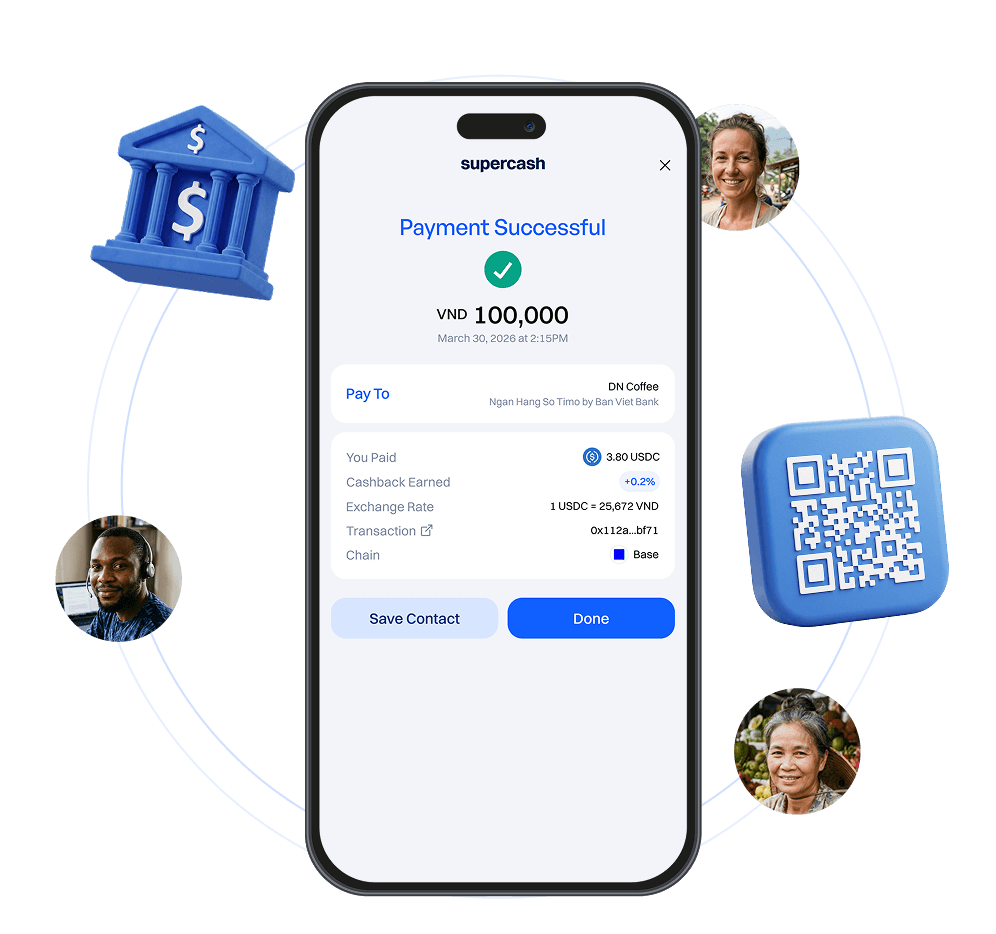
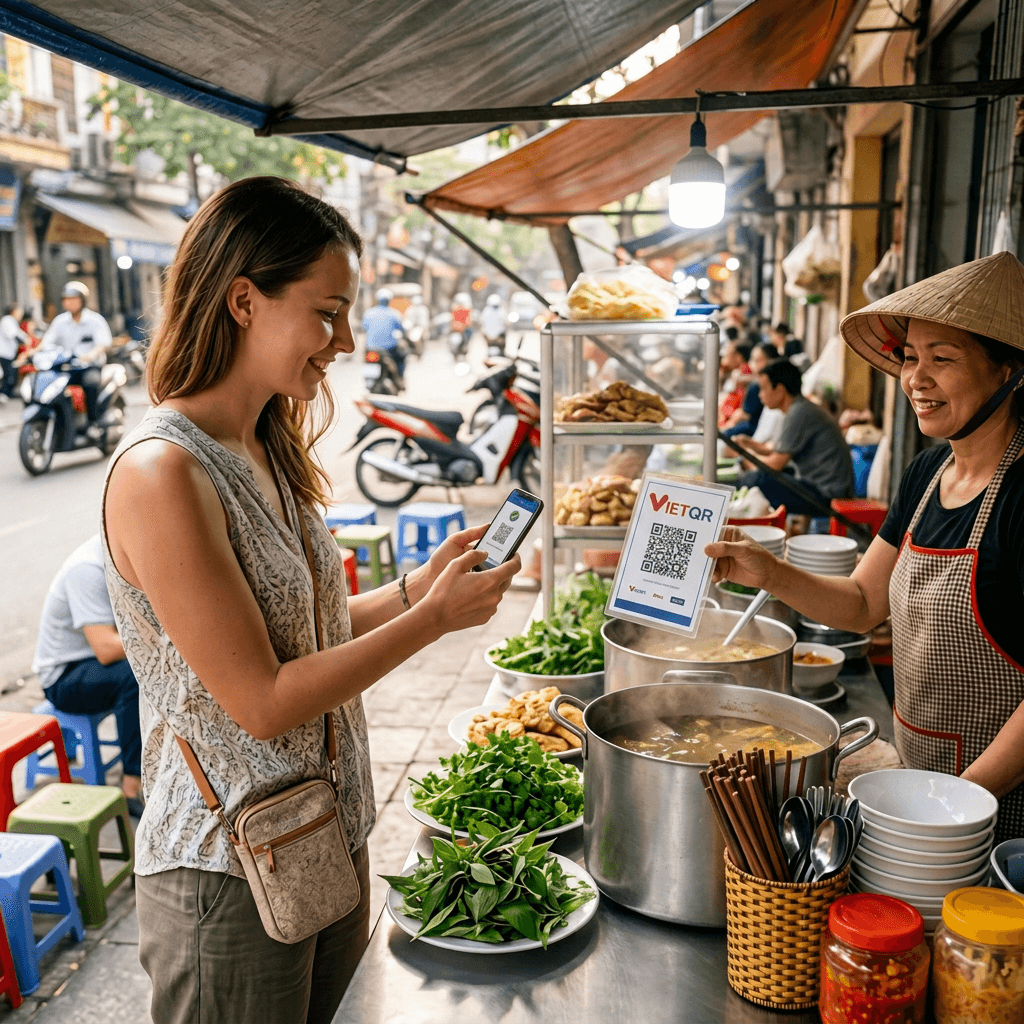
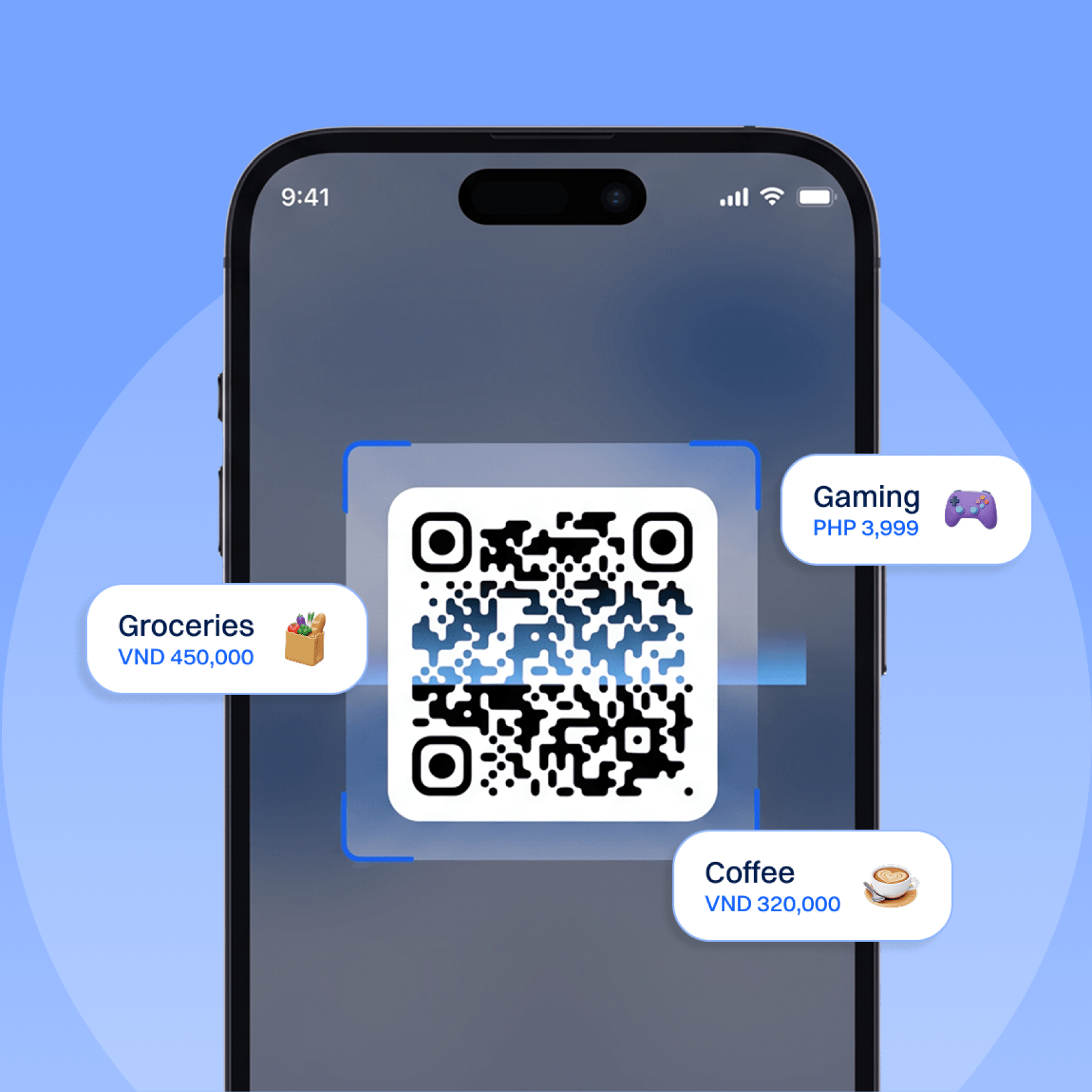
Pay merchants and individuals by scanning supported QR codes. Use USDC or USDT to make fast payments in local currency.
Local
Bank Transfers
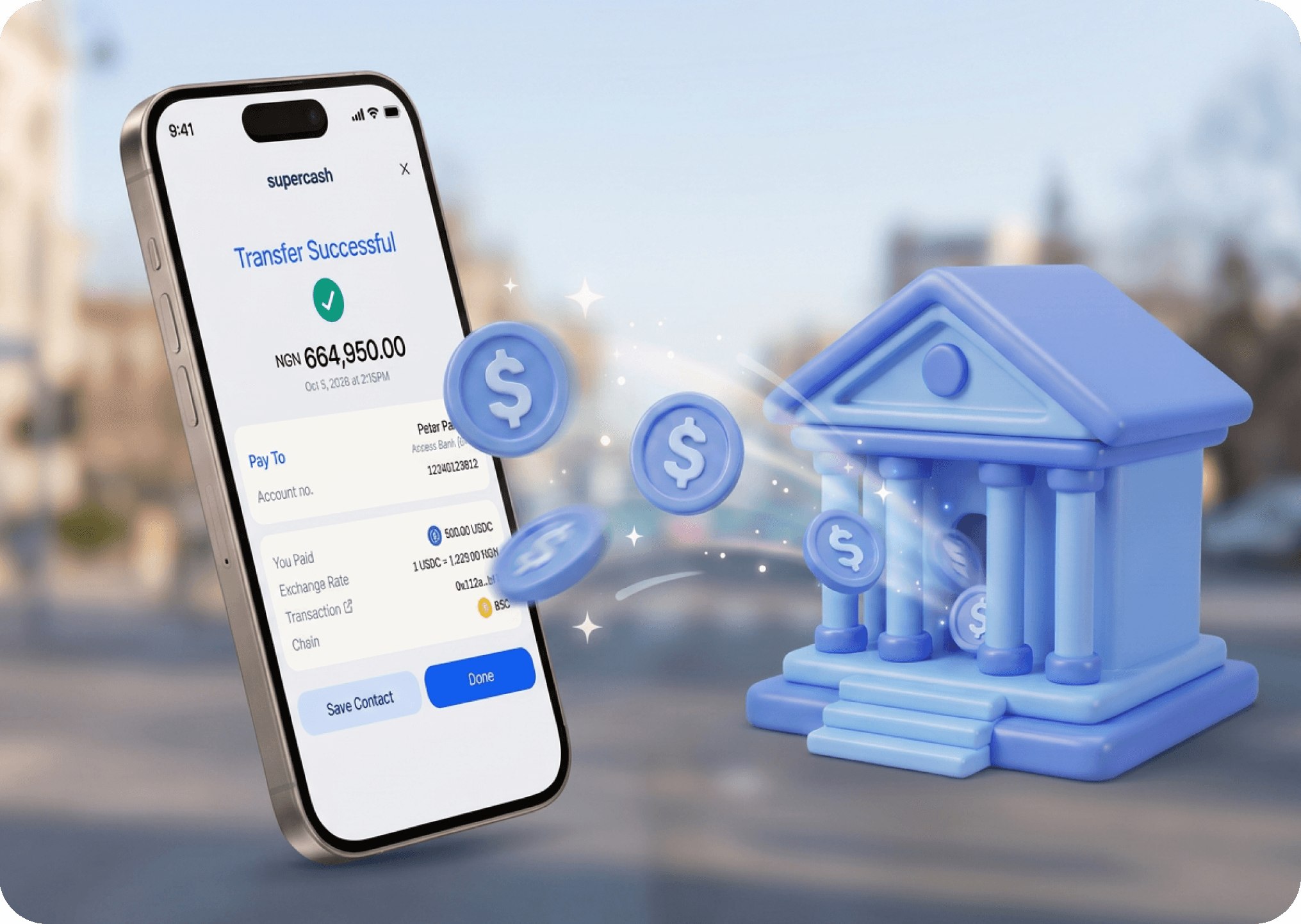
Send digital dollars to a local bank account or mobile number. Your recipient receives the payment in local currency.
Everyday Payments,
Made Simple.
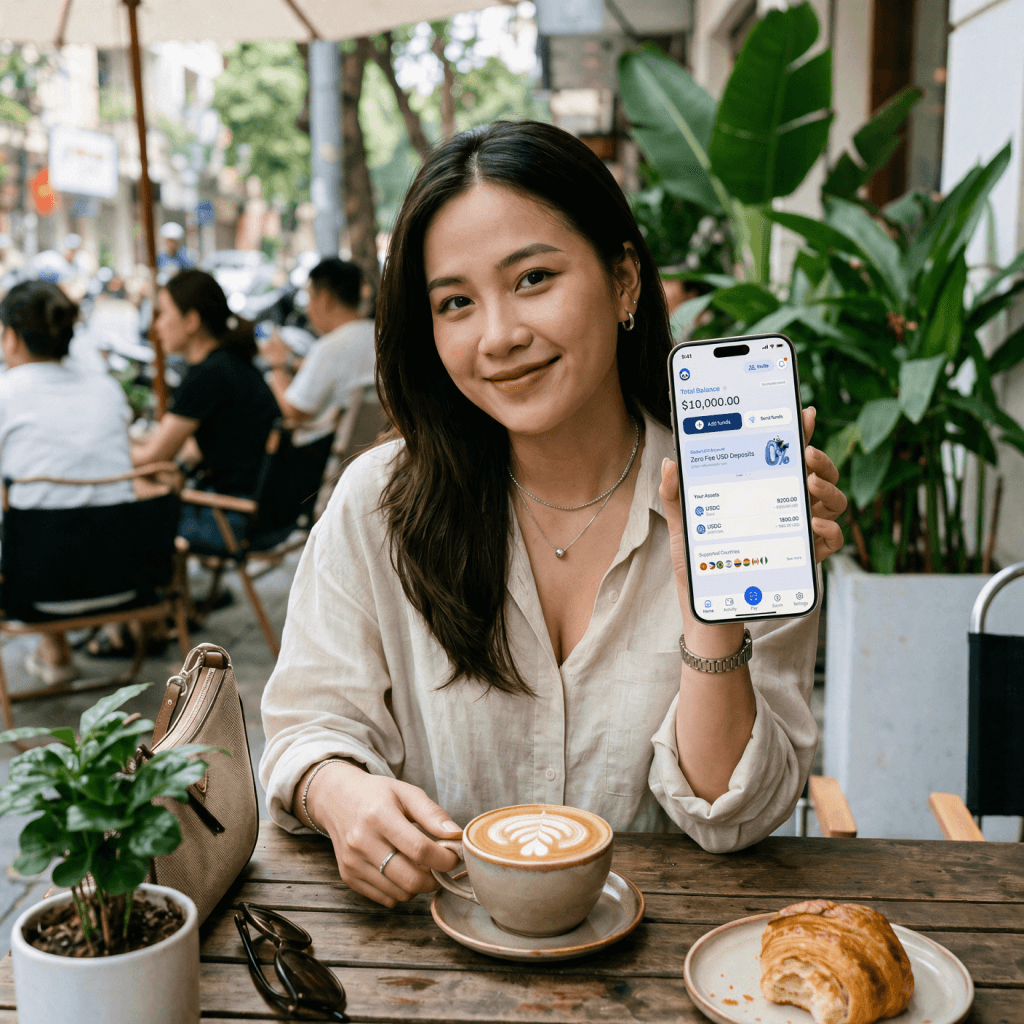
Use SuperCash to pay for everyday spendings, p2p transfers, rent & bills, travel and more.


- Coffee
- Groceries
- Restaurants
- Transport
- Bank Transfer
- Bills
- Utilities
- Street Food
- Travel
- Marketplaces
- Game Top-up
Pay Easily.
Spend Freely.
Low fees
Cashless payment
Zero bank lockout
No local bank account required
How it works
Spend or send money locally in 3 simple steps, straight from your stablecoin balance.
- 1
Download SuperCash &
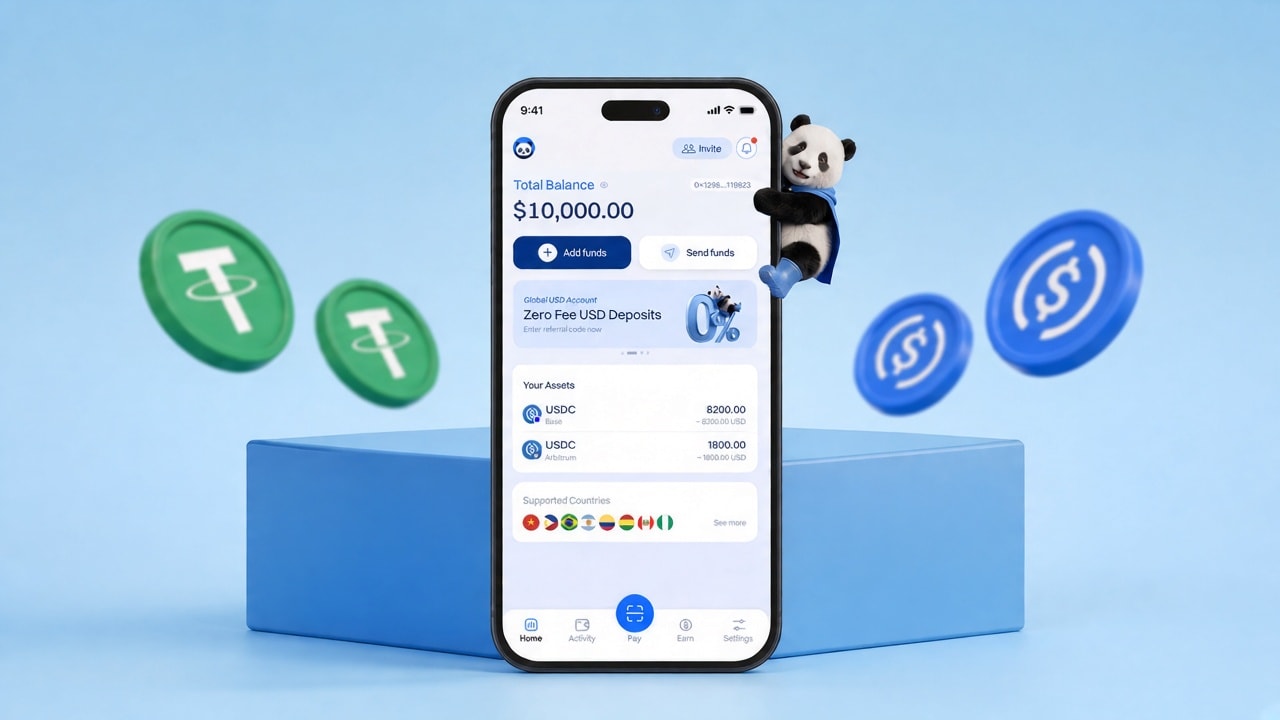
Deposit USDT or USDCGet the SuperCash App and top up with USDT or USDC instantly using your preferred payment method.
- 2
Scan QR or
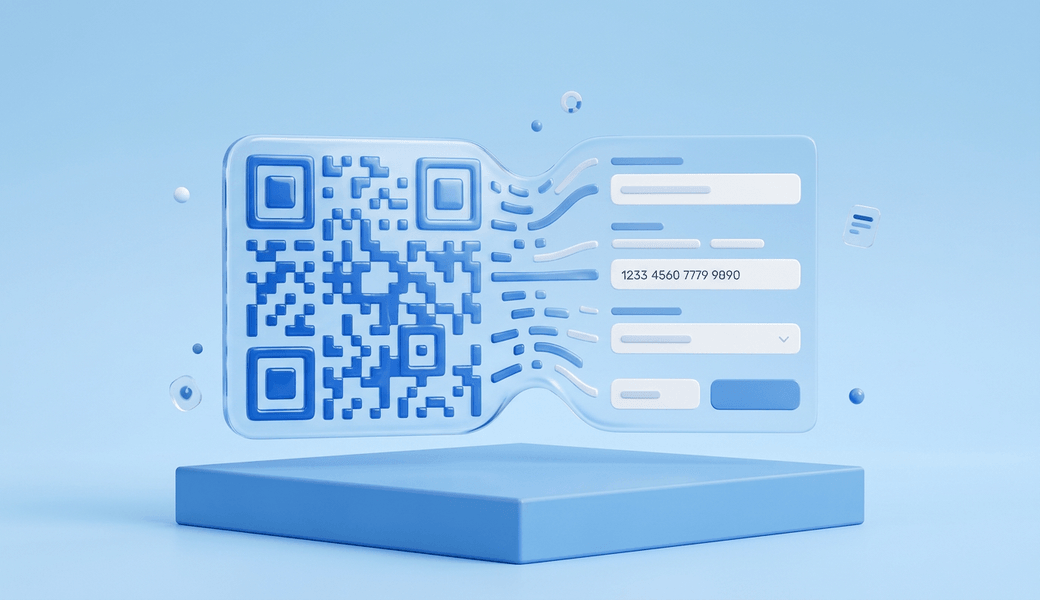
Enter Bank DetailsPoint your camera at any store, friend’s, or bank QR code, or manually type a recipient’s bank account or mobile number.
- 3
Review &
Confirm PaymentPay local merchants with QR codes or send local bank transfers instantly from your USD balance.
Pay Locally
With Digital Dollars
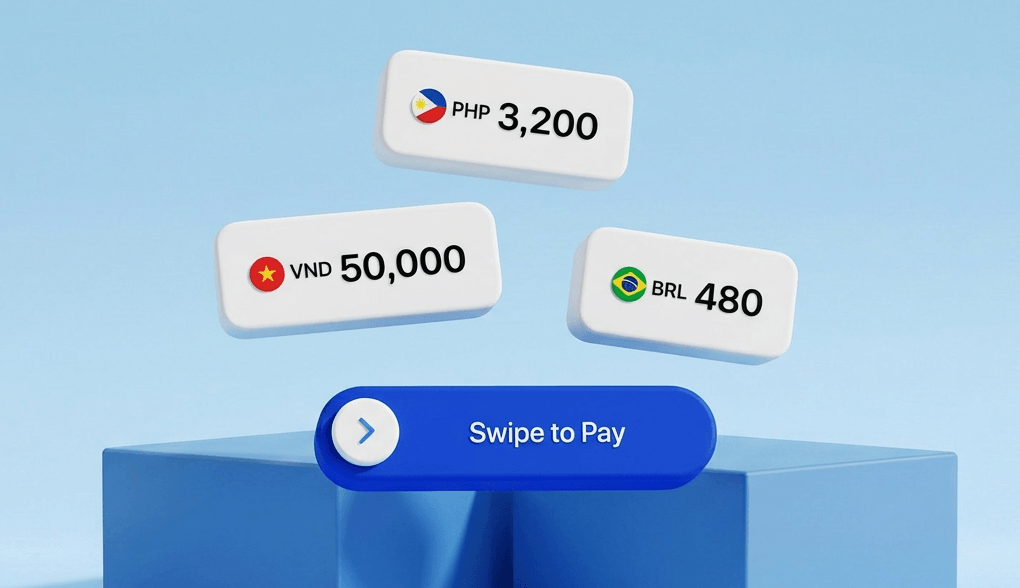
Scan any local QR codes or send direct bank transfers. Turn your stablecoins into local currency spending.
FAQ
Is this a real USD account
A Global USD Account gives you personal U.S. bank receiving details (Routing & Account Number) under your name. You can copy these details and attach them to freelance platforms, invoicing software, or direct client payouts. Incoming USD payouts convert automatically into digital USD in your wallet.
Do I need SSN / LLC / local bank?
No. You do not need a U.S. SSN, U.S. address, or local bank account. You can sign up using your email or social account. To activate your Global USD Account for ACH deposits, you simply complete a fast, 2-minute identity verification (KYC) inside the SuperCash app or web portal.
Which platforms can pay into it?
Receive payouts from platforms such as Upwork, Deel, and Fiverr, or directly from clients via ACH or domestic wire using your personal USD account details.
What does KYC unlock vs spend-without-KYC?
Complete identity verification to activate your Global USD Account for ACH deposits.
No. That's the "SuperCash advantage." You don't need a local bank account to pay merchants. You can sign up with your social accounts and start spending up to $500/day with no KYC required. Just deposit and spend.
Fees and FX
SuperCash offers transparent, low-cost pricing with no hidden surprises:
USD Deposits: just a simple 0.5% rate regardless of payout size.
Local Cashouts & QR Spending: an exchange rate that's 0.5-1.0% from the bank's mid-market rate. All conversion costs and settlement rates are clearly shown in the app before you confirm any payment or transfer.
There are no other hidden fees or charges.
Can SuperCash freeze my funds?
No, SuperCash does not control the assets in your self-custodial wallet. You hold full ownership of your account funds at all times. Unlike traditional fintech platforms or payment processors, SuperCash cannot hold, freeze, or lock your balance.
Where can I cash out (QR countries vs bank transfer countries)?
You can spend or cash out instantly across 8+ countries:
Instant QR Payments: Scan to pay directly at merchants in the Philippines (QRPh), Vietnam (VietQR), Brazil (Pix), Colombia, Peru (Yape, Plin), Bolivia, and Argentina.
Direct Bank Transfers: Transfer directly to local bank accounts in Nigeria in seconds.
External Crypto Wallets: Free, direct stablecoin withdrawals anytime.